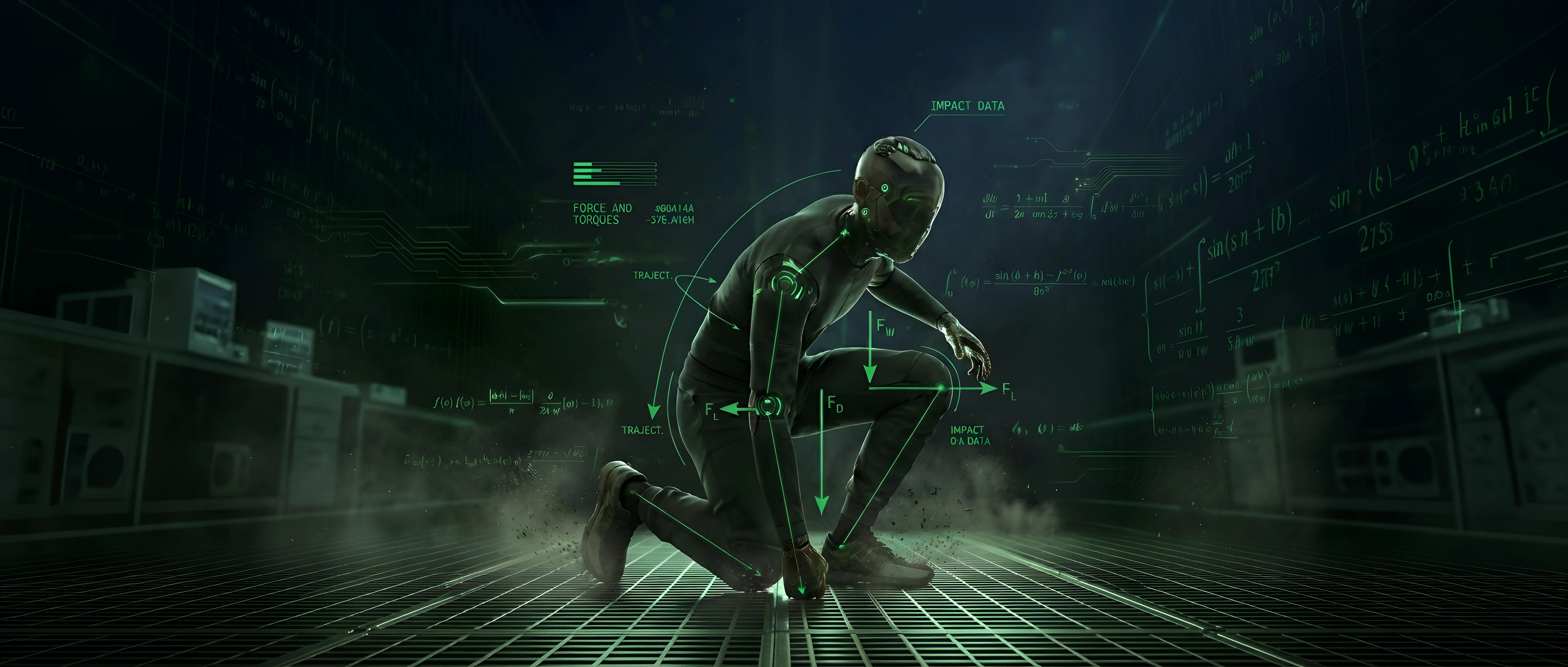
Xarkin Research: Managing Surface Contact with Motion Script
Automated management of contact on support surfaces
With the release of Xarkin Motion 2, the introduction of Xarkin Motion Script opened up a world of new possibilities—including the ability to impose a change in direction or elevation across a designated range of strides.
In our "What Next?" research, we asked ourselves: How can we make this even easier? After all, there’s a reason we see a preponderance of flat surfaces in movies and video games: it simply makes animation easier.
3D character animation doesn't exist in a vacuum. Beyond the floor or ground, characters constantly interact with multiple support surfaces, and real-world terrain is rarely flat. Furthermore, not all support surfaces are obvious. For example, it’s up to the animator whether a coffee table counts as a legitimate support surface—though if the character happens to be a cat, it almost certainly is!
Xarkin Motion Script provides levels of retargeting and reuse that unlock deeper motion possibilities. Motion Script is also universal: a single script can be applied across different characters sharing the same topology (a humanoid setup, for example). Because of this, we didn't want a solution where managing surface contact required character-specific work.
Our solution was to add SurfaceElements as a new parameter within the Environment Element, sitting alongside existing variables like frame rate and gravity. Through this parameter, developers can specify an array of chosen support surfaces with which the character can interact.
Why This Approach?
By separating support surfaces from individual motion elements, we free motion designers, animators, and programmers from the tedious overhead of manual contact management. Creators can focus purely on where they want the character to go and how they want them to get there.
For example, imagine a motion script where a 5'10" character walks aggressively from Point A to Point B. I might initially script 10 strides to cover that distance. When processed, the Motion Server takes my script and character profile to generate the pose data. The underlying motion elements have no explicit reference to the support surface; instead, the Motion Server computes the various elevations and slopes along the path and adapts the resulting pose data automatically.
Now, suppose I want to run that exact same script on a 5'0" character. Because of the shorter stride length, I might add a couple extra strides to the script, but otherwise, nothing else needs to change. I still have full access to every parameter in each universal motion element—I can make the character limp, go slower, sag slightly, or widen their stance—all without doing any additional surface contact tweaking.
Managing Surface Contact with Motion Script
A brief video showing the results of passing a SurfaceElements entry into an exising Motion Script request
Simulation Is Still There!
Consider a robotic setup controlled by code where the robot approaches a slope, climbs it, and descends the other side while holding a box. That box could weigh 10 lbs, or it could weigh 50 lbs.
When the Motion Server processes the request, it first generates the base pose data. Next, it runs a simulation pass to evaluate balance and surface contact. Here’s the critical part: it uses that simulation data to actively adjust the pose output. The posture of the robot carrying 50 lbs will automatically look and react differently than when carrying 10 lbs, accurately reflecting the physical adjustments needed to maintain balance.
Coming Soon!
We still have a bit more research to complete before releasing this capability to the public. We're currently conducting this work alongside building out expanded quadruped support within Xarkin Motion 2.
We will be discussing this in a future post—stay tuned
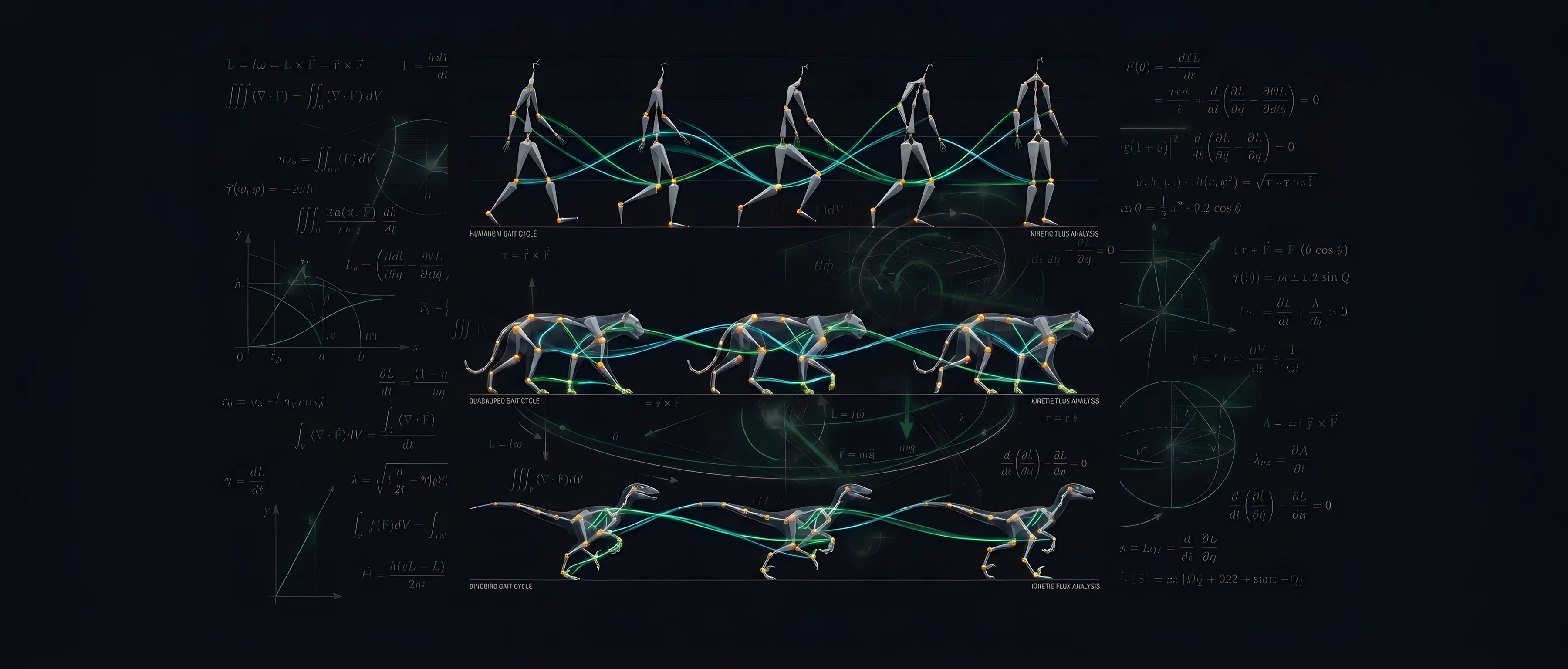
How motion engineering and automation changes the retargeting conversation. One model fits many needs and characters.
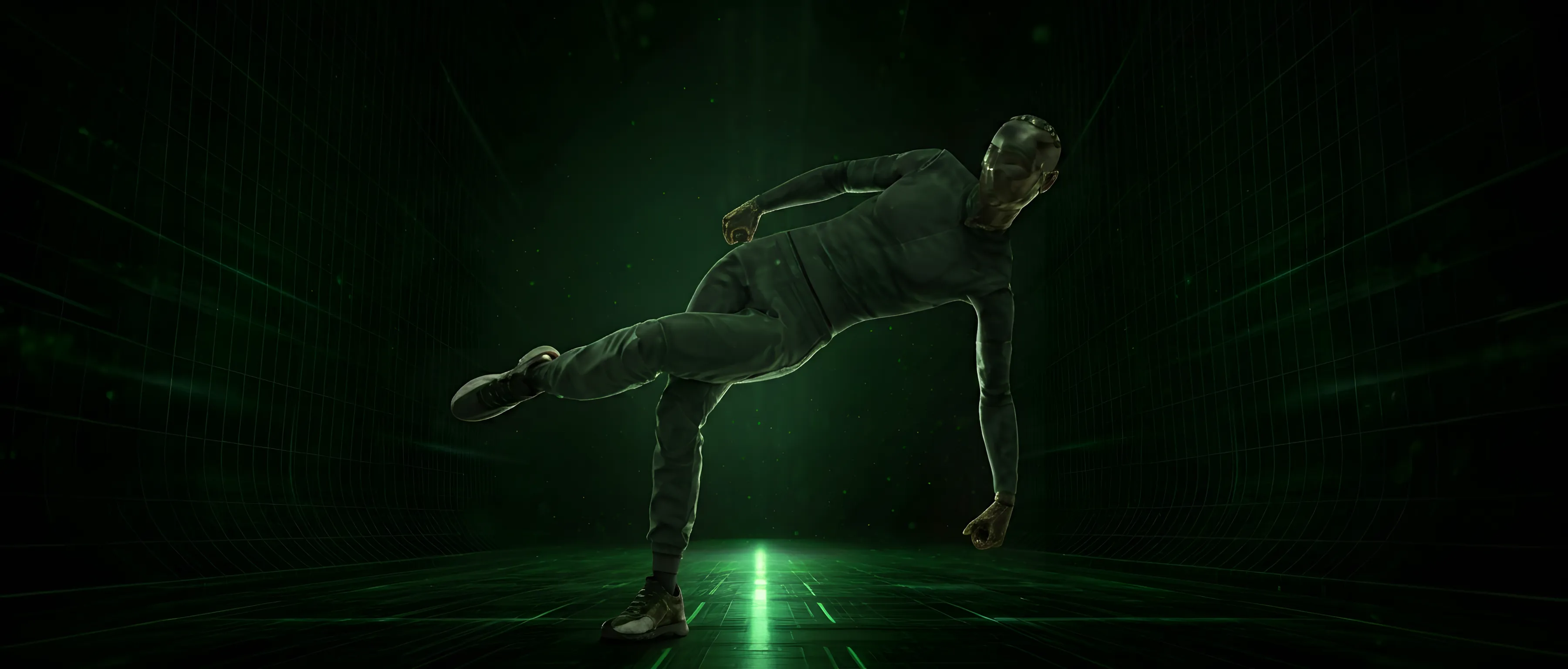
Major platform update helps animators, programmers, and production teams create a broader range of motion with greater control in less time.